
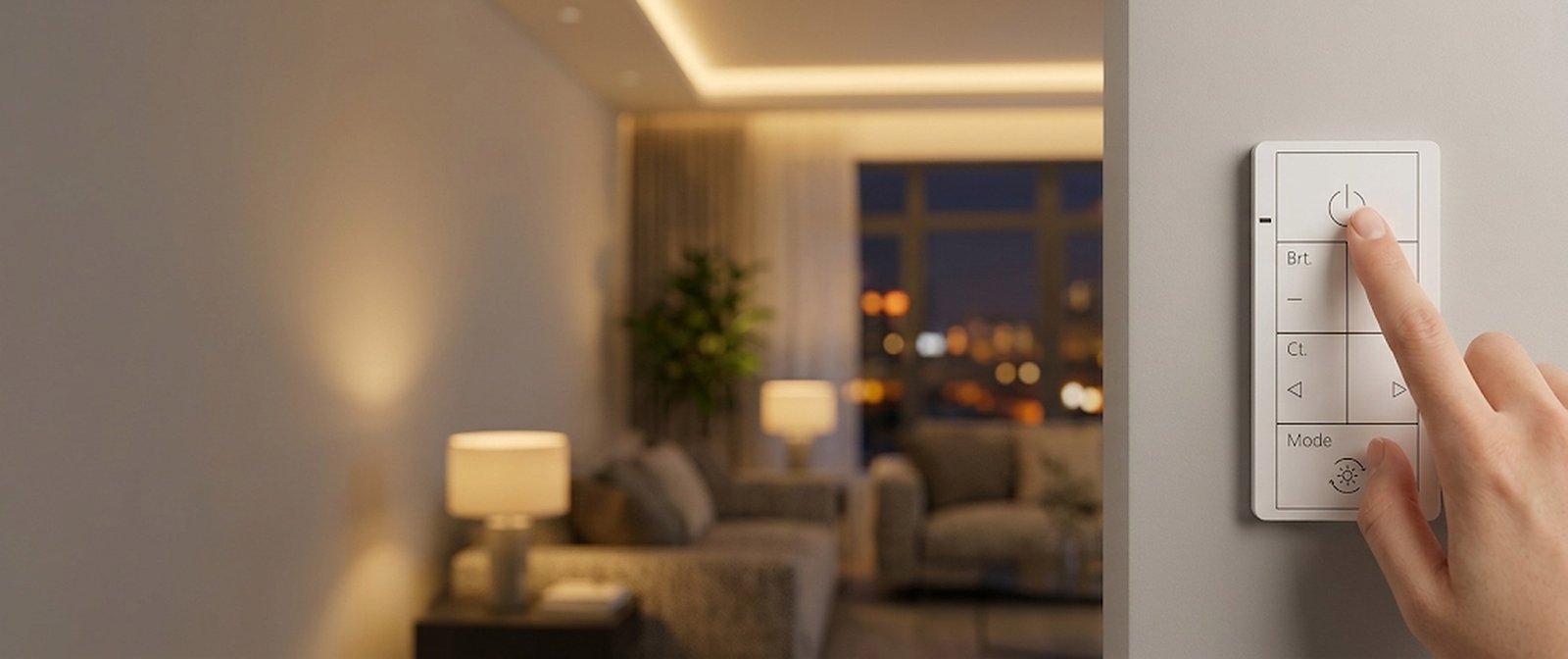
Three steps
Three steps to a smarter home
Swap the switch, connect it, control it.
Swap the switch
Two wires, no neutral wire needed.
Connect it
Pair through Matter.
Control it
Wall, app or voice.
The technology
Power line communication
The switch connects to your home network and sends control signals over the existing power line to every light on its circuit.
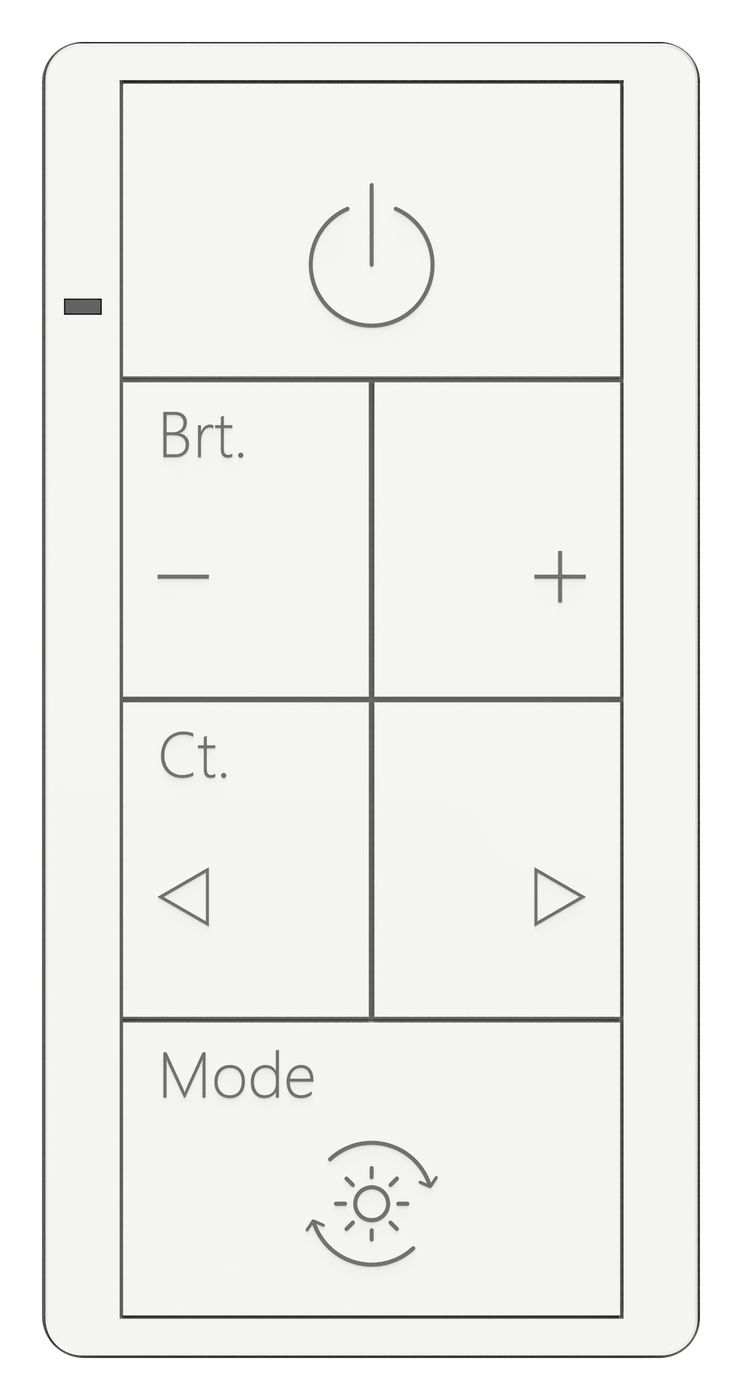 zPLC switch
Smart home
Works with the home app you already use
zPLC is a Matter device. Add it once to Apple Home, Alexa, Google Home or SmartThings, and every light on its circuit dims and changes color temperature from your phone, your voice or a schedule. No separate hub and no extra apps.




What it controls
Your lights, your switch
What you can do depends on the lights on the circuit and the switch you choose.
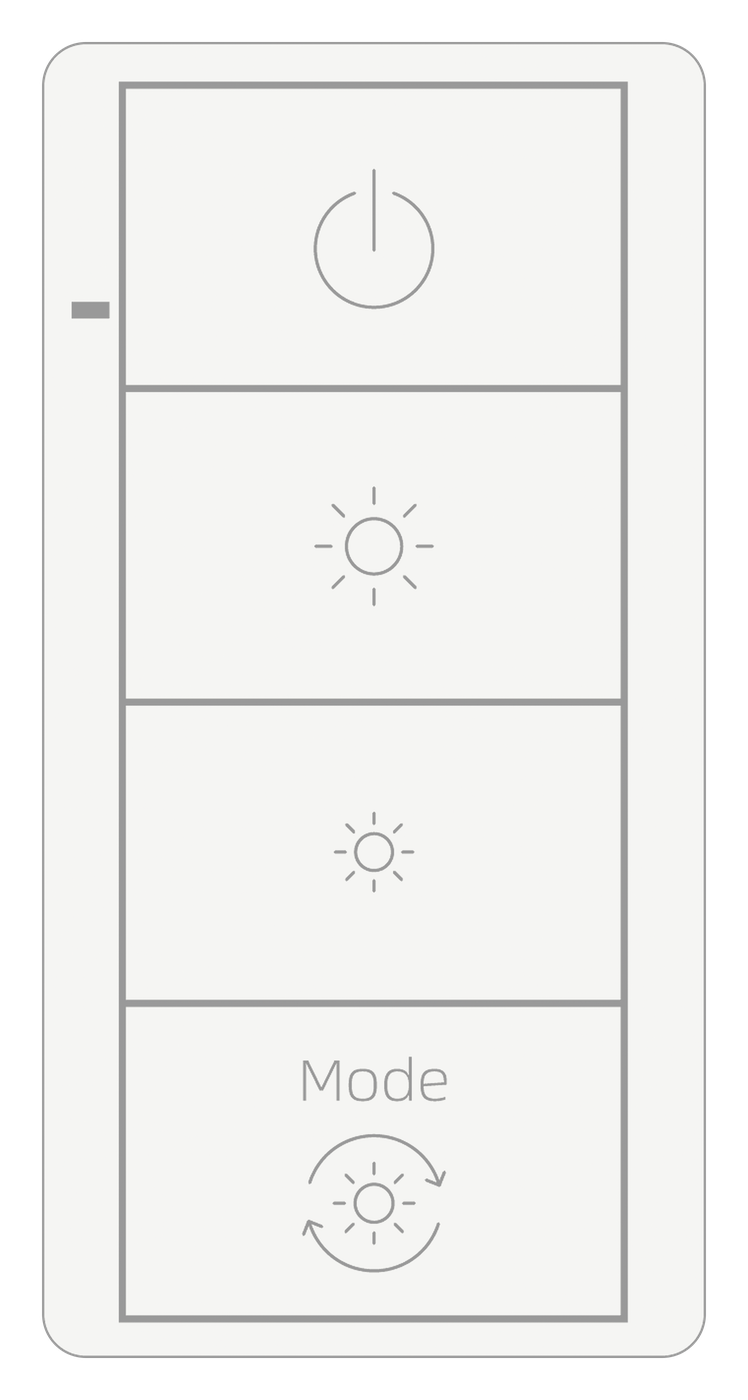
Core
- Standard bulbs: on/off
- Triac dimmable: dimming
- 0-10V: on/off
Plus
- zPLC lights: dimming + color temperature
- Standard bulbs: on/off
- 0-10V: on/off
Both switches come in 800 W and 1000 W, rated 120-277 V.
Installation
Installs like any standard wall switch
Installation should be done by a licensed electrician and follow local electrical code.
- Two-wire: no neutral wire needed
- 120-277 V: residential and commercial circuits
- 800 W and 1000 W: choose the load capacity you need
- Standard wall box: fits a standard wall box
Troubleshooting
If something is off
Still stuck? Tell us the fixture, the bulb and what the switch is doing. We answer on weekdays.
Contact supportReturns and replacements
Easy returns
Two steps, and you are never left without a switch.
1. Fill out the return form
We will send you a new product and a prepaid return label.
2. Send the old one back
Return it within 30 days.
Start a return
Return form
Tell us where you bought it and where to send the label.
Work with us
Add zPLC to your product line
Add zPLC to your fixtures, or distribute the switch.
For manufacturersDistributors